---
title: "#17: UIKeyCommand 🔑⌘"
url: https://littlebitesofcocoa.com/17-uikeycommand
author: Jake Marsh
published: 2015-06-16
topics: ["UIKit","iOS 9"]
description: "iOS has had support for hardware keyboard shortcuts for a while now. New in iOS 9, Apple has made some great improvements to how apps can take advantage of..."
---
# #17: UIKeyCommand 🔑⌘
By Jake Marsh, June 16, 2015. HTML: https://littlebitesofcocoa.com/17-uikeycommand
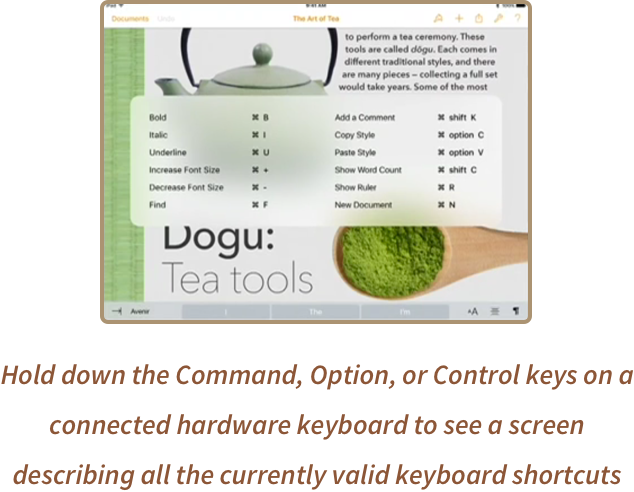
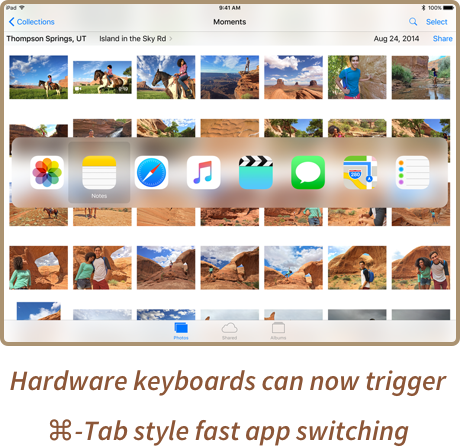
iOS has had support for hardware keyboard shortcuts for a while now. **New in iOS 9**, Apple has made some great improvements to how apps can take advantage of them. Your app can now register keyboard shortcuts *per view controller*, and all currently valid shortcuts will be neatly
summarized when the user brings up the new keyboard shortcuts view.
Wiring up a new keyboard shortcut in this system couldn't be easier. Just define a new function, create a new `UIKeyCommand` and then call `addKeyCommand` on your view controller:
``` swift
// inside some UIViewController subclass:
override func viewDidLoad() {
super.viewDidLoad()
let shortcut = UIKeyCommand(
input: "n",
modifierFlags: UIKeyModifierFlags.Command,
action: "createNewFile:"
)
addKeyCommand(shortcut)
}
func createNewFile(command: UIKeyCommand) {
// do the thing
}
```