---
title: "#248: Installing a Swift Toolchain 🐤🛠"
url: https://littlebitesofcocoa.com/248-installing-a-swift-toolchain
author: Jake Marsh
published: 2016-08-01
topics: ["Swift","Tools"]
description: "The Swift language is always evolving. Bugs are being fixed, new proposals are implemented, etc. It'd be great if we could try out these features out as..."
---
# #248: Installing a Swift Toolchain 🐤🛠
By Jake Marsh, August 1, 2016. HTML: https://littlebitesofcocoa.com/248-installing-a-swift-toolchain
The [Swift](https://swift.org/about/) language is [always evolving](https://github.com/apple/swift-evolution). Bugs are being fixed, new proposals are implemented, etc. It'd be great if we could try out these features out as they're being implemented, without having to wait for official releases.
Today we'll take a look at how to download, install, and try out the latest _Swift Toolchain_ in **Xcode**. Let's get started!
We'll begin by heading to [https://swift.org/download/](https://swift.org/download/#snapshots) and looking for the "Snapshots" section. Here we can also find many other preview releases, etc.
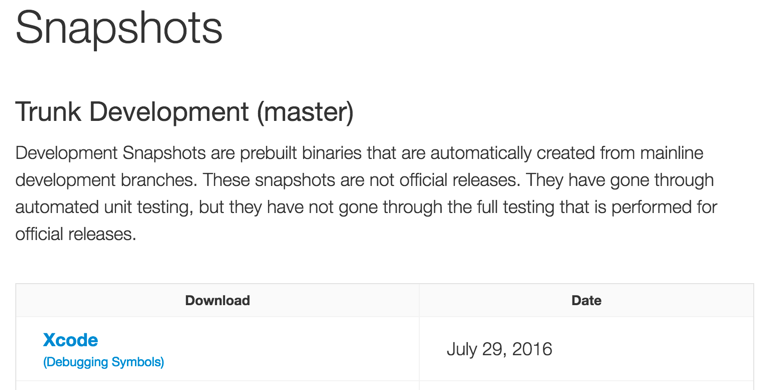 Click "Xcode" to download an installer:
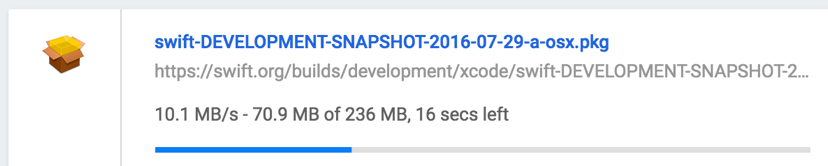 We'll run open the installer, and complete its steps.
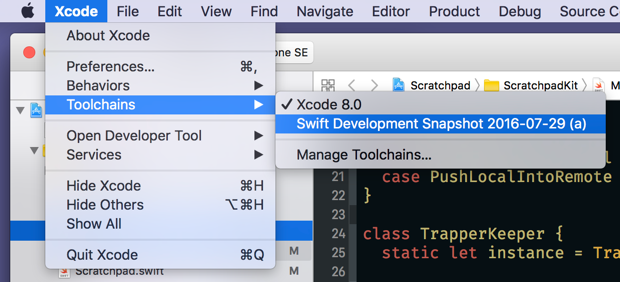
We can now open **Xcode** and select our new _Toolchain_.
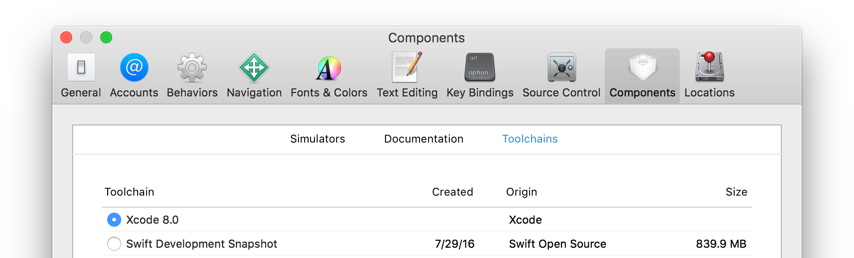
 We can also manage _Toolchains_ in **Xcode's** preferences:
 With our new _Toolchain_ selected, all builds will use it, neat!
Getting involved with **Swift's** development is a great way to stay informed on where things are headed. We'll look at getting even more involved in future Bites!