Today we'll take a look at a few handy tips and tricks to know about when debugging.
Exception Breakpoint
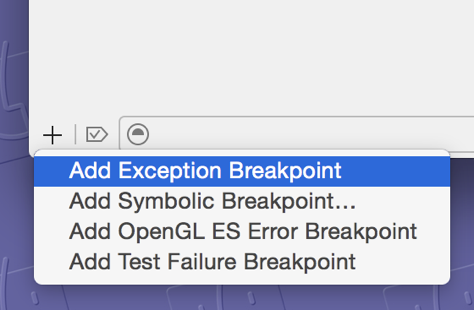
Make sure to always add an exception breakpoint to every project. Xcode will pause anytime an exception is thrown and let us poke around.
Conditional Breakpoints
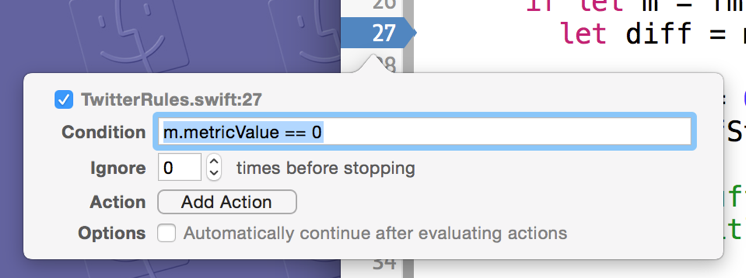
Break exactly when we want to.
Evaluate an Expression
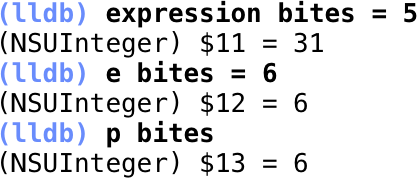
With expression or e we can even modify values in our app, and then continue running.
Property Breakpoints
Here's one that is not as widely known as it should be:
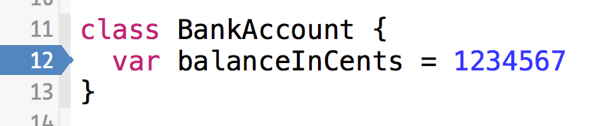
If we set a breakpoint on the line of code containing a property definition, our application will pause anytime that property's value is changing and display a stack trace of the function calls that ultimately caused the change.
 Tweet
 Share
 on reddit